
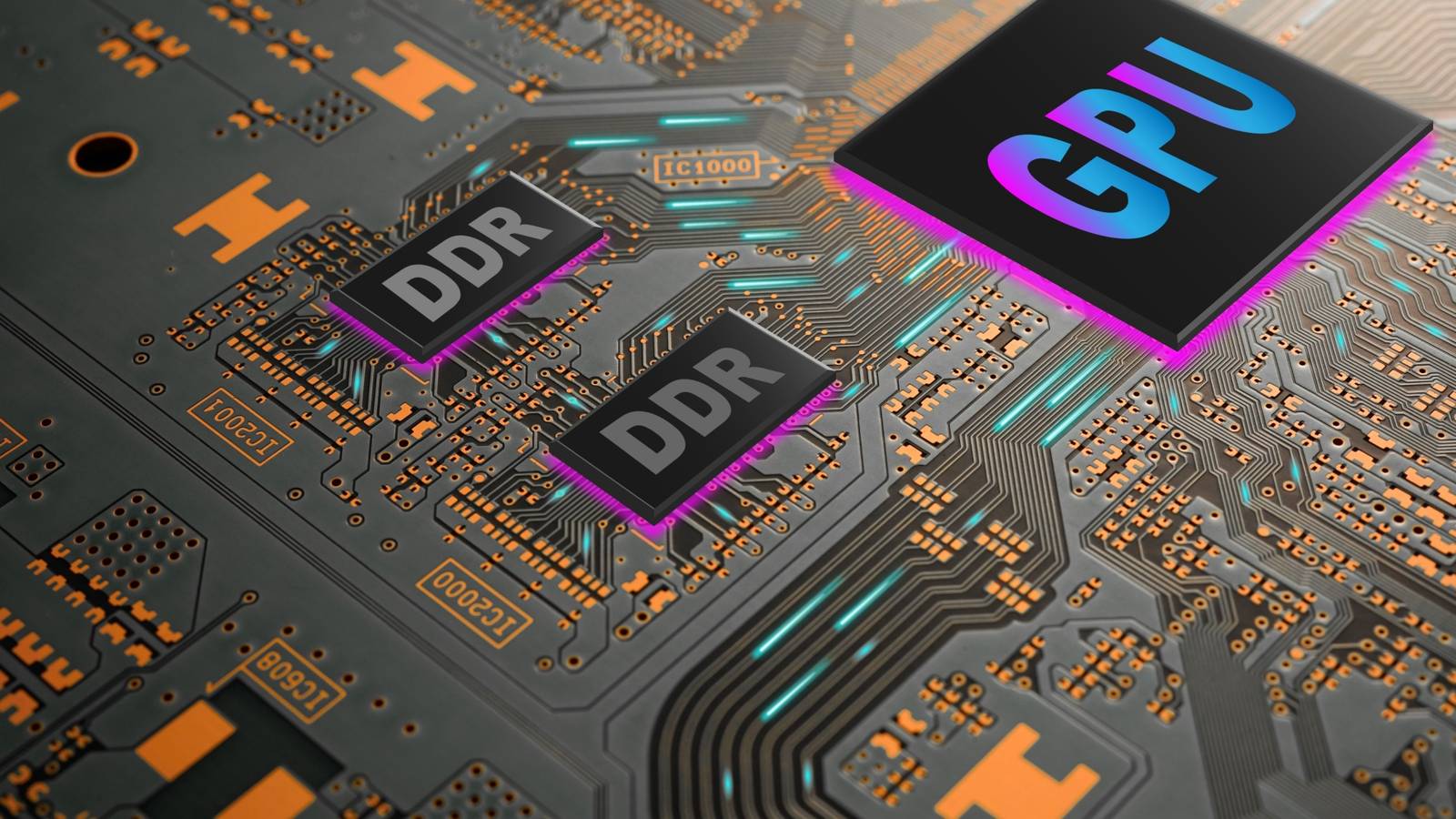

As the price of memory continues to skyrocket, and games become more and more demanding, it’s fair to ask how much the RAM on your GPU actually matters. What’s the right quantity? What about speed and bandwidth? If you’re wondering what to decide when it comes to your next GPU’s RAM, it’s time to have the talk.
The myth and reality of GPU VRAM
VRAM is where your computer stores data your GPU needs to render the frames you see on-screen. Textures, object geometry, the frame data itself, and many other types of data the GPU needs to process live in VRAM. If you don’t have enough VRAM to hold all the data the GPU needs, the data has to spill over into system memory, which dramatically slows the whole process down and will kill your frame rate.
However, VRAM capacity isn’t the only aspect of VRAM that matters. The speed of the memory as well as the total bandwidth matter too. Cards with wider buses and faster memory have more total bandwidth, which means better performance in games with lots of texture streaming, or at higher resolutions and frame rates as the amount of data that has to be shifted each second increases dramatically.
How modern games actually use VRAM
The VRAM needs of games in the real world, and how it affects both performance and visual quality is a complicated topic. Take a game like Cyberpunk 2077, specifically its Phantom Liberty expansion, which pushed the envelope of this graphical milestone game even further. TechPowerUp used an NVIDIA RTX 4090 with 24GB of VRAM to check the VRAM usage in the game under various settings and resolutions.
At the lowest settings, at a resolution of 900p, the game used 5723MB of VRAM. At 2160p on the “very low” preset, the game used 7160MB. 1440p Ultra pushed VRAM usage right up to the 8GB limit many mid-range cards have, using 7896MB, with 4K Ultra just exceeding 9GB. Activating ray tracing absolutely blows up VRAM requirements thanks to the additional data structures needed for this rendering method. Even at 900p the “RT Ultra” preset uses 9484MB of VRAM.
However, although these are just labels, in many current games “ultra textures” don’t show any real visible difference in detail at resolutions below 4K, and honestly sometimes not even at 4K. Despite this, the VRAM consumption can be much higher than the next setting or two. Which means that using the “high” or “very high” texture preset can get you under your card’s VRAM limit without any apparent downside.

The real concern comes from games that exceed 8GB or more of VRAM usage at entry-level resolutions like 1080p. As Tom’s Hardware found Horizon: Forbidden West is a game that can push past that limit in mainstream settings. Part of the problem is that the game’s original platform—the PlayStation 5—has 16GB of unified memory, which means it can dynamically adjust VRAM needs above the 8GB found on GPUs that are similar or even much more powerful than the one in the console.
Turning on features like frame-generation or even latency-busting features like NVIDIA Reflex seems to increase the VRAM burden too, which is ironic since these features help more on lower-end hardware.
I use these two examples to contrast how different game engines and games approach VRAM management, streaming of assets, and performance priorities. So it’s hard to talk about VRAM needs in a vacuum without taking into account which games you’re actually going to play. That said, the writing is clearly on the wall for 8GB cards.
Why You Should Care About the Memory Bandwidth of Your Graphics Card
A crucial spec that’s oft-ignored.
When low VRAM starts to hurt performance
It’s important to understand that just because you see high VRAM usage while playing a game, doesn’t mean you need more of it. It’s the same with system RAM on modern operating systems. The software on your computer will use what’s available to smooth out performance. There’s no performance difference between VRAM that’s 50% full or 99% full, but as soon as you hit 101% things can go wrong in a few ways.
If it was just a case of losing a few FPS, it wouldn’t matter as long as things were playable, but it’s nothing like that. Since the GPU now has to wait for data shuffling to-and-from system memory, it leads to interruptions in rendering. This manifests in frame rates that lurch up and down, micro-stutter, and a general lack of fluidity. While your average frame right might still look OK, the 1% and 0.1% lows will tell a different story.
The other way a lack of VRAM can manifest is more subtle. Some games will simply not load all the needed textures, so you may run into placeholder textures without any performance penalty. It might seem like nothing’s wrong until you take a closer look at objects and scenery in the game world.
How to Cope with a low-VRAM GPU
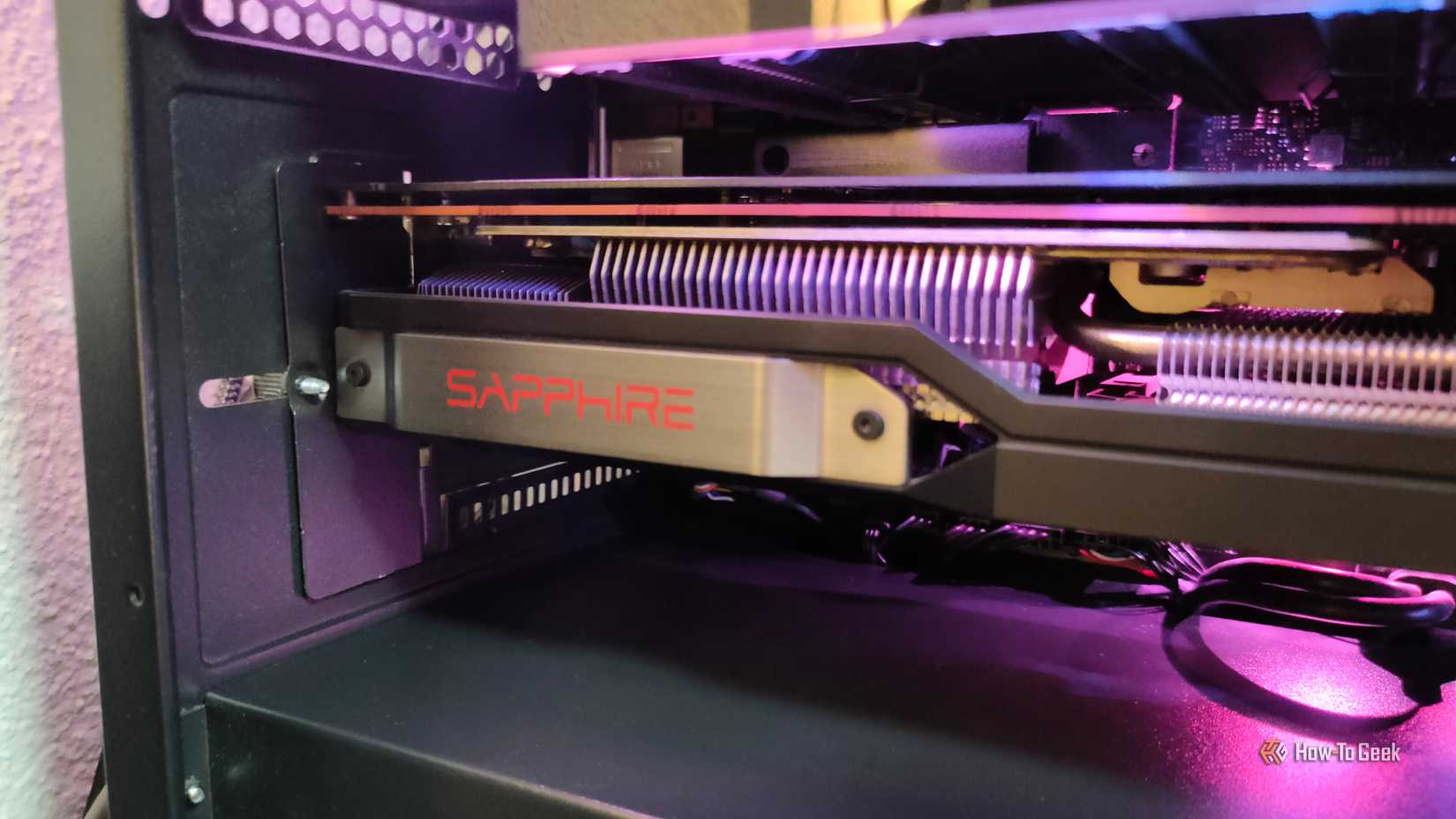
Since you can’t upgrade your VRAM without buying a whole new GPU (or a whole new computer with laptops) the only way to deal with having too little VRAM is to take an axe to your game settings. Many games now show you VRAM usage in the settings, letting you tune the features that matter the most to you while staying under the limit.
The obvious place to tinker is with texture quality, and there can be big wins here because medium or high textures usually look pretty great in isolation. Upscaling technologies like DLSS can also help lower VRAM use a little because the actual render resolution is lower. However, DLSS and its ilk have a VRAM footprint too, and in some games, resolution doesn’t have as large an impact on VRAM use.
New drivers and game updates can help, and sometimes fan mods can work wonders. For example, as Digital Foundry reports, a mod to decompress game files on your drive for Monster Hunter Wilds improved performance on 8GB cards immensely. The developer seemingly prioritizes a smaller install size over game performance, and decompressing that data offline rather than live in-game makes all the difference.
Your expensive GPU is useless without these 4 upgrades
It’s better to have a good PC than a great GPU
How much VRAM you really need in 2025
As we’ve seen, giving blanket VRAM guidelines is a bit of a fool’s game, because it’s so dependent on what you play, how you play it, and what your performance and image quality needs are.
That said, I do have some broad rules of thumb for 2025 and the medium term as follows:
- 1080p: 8GB is still viable for most modern games, though 10–12GB gives you breathing room for better textures or RT.
- 1440p: 12GB has quickly become the comfort zone. Ray tracing or high-res texture packs make anything less feel cramped.
- 4K: 16GB is strongly recommended. Below that, you’ll constantly bump into memory ceilings unless you turn settings way down.
Regardless of VRAM quantity, a GPU with a 256-bit memory bus (memory speeds being equal) is more suited to 1080P and 1440p gaming at high frame rates, and a 512-bit card is better suited to 4K. These aren’t hard rules or anything, just another rule of thumb that should raise a flag to check game performance on a given card at the resolution you want to play. Don’t assume a low-end card with 16GB of memory is going to do well at 4K even if you lower the settings.
Beyond this, before you buy a new game, have a look at what its real VRAM usage is at the settings you’d like to play. If you own a console like the PS5 in addition to your PC, you might even consider getting that version instead if the PC version is too VRAM hungry for your system.