
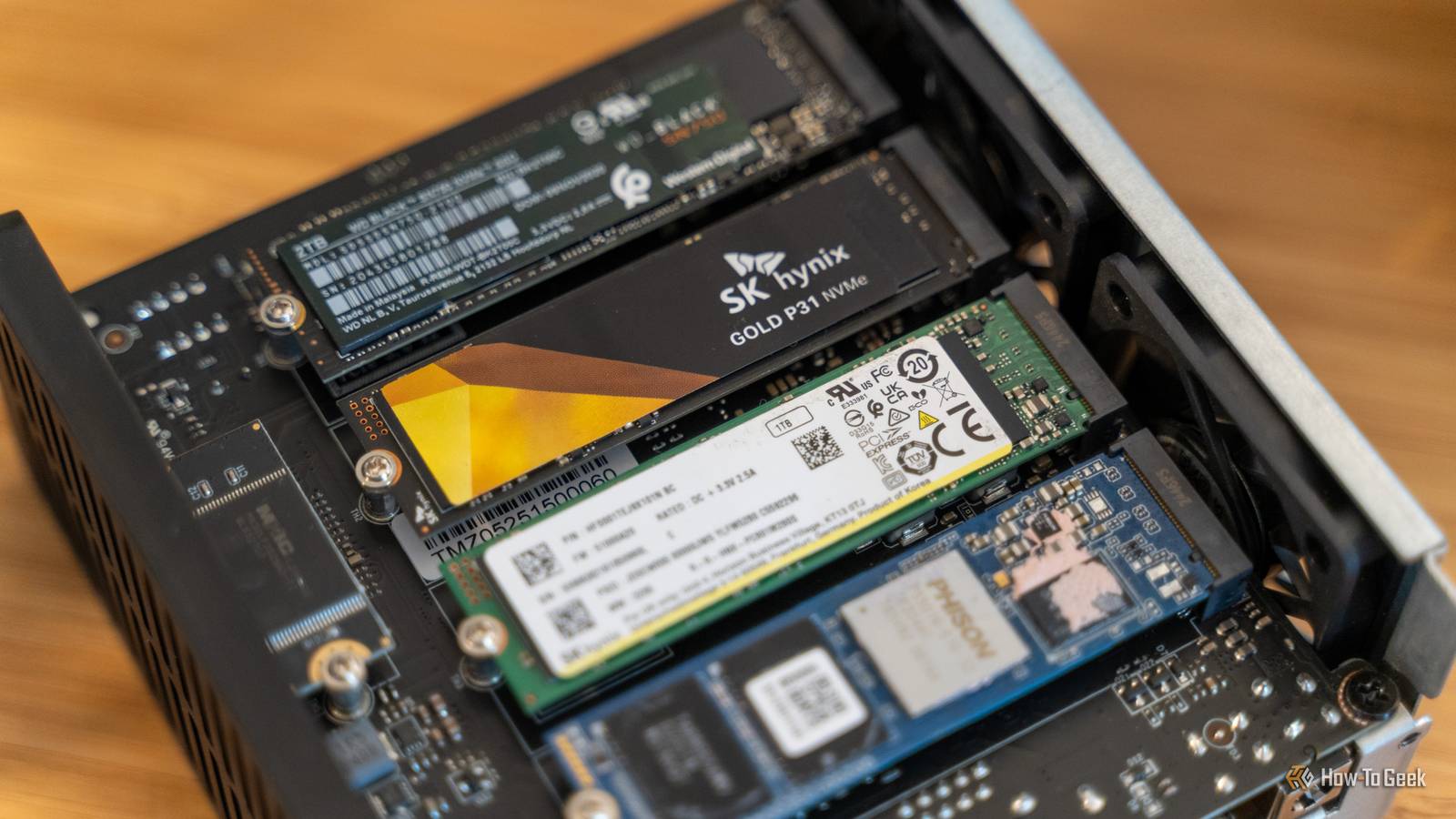

Be honest now: how many random thumb drives do you have lying around the house? What about external SSDs?
Me? I have a lot. Way too many. Most of which I wouldn’t be able to find. And while I know that portable SSDs have their merits, I’m still making this PSA: Stop hoarding external storage when all you really need is to get a NAS (network-attached storage).
HTG Wrapped 2025: 24 days of tech
24 days of our favorite hardware, gadgets, and tech
External drives seem convenient—until they aren’t
They’re handy, but far from perfect
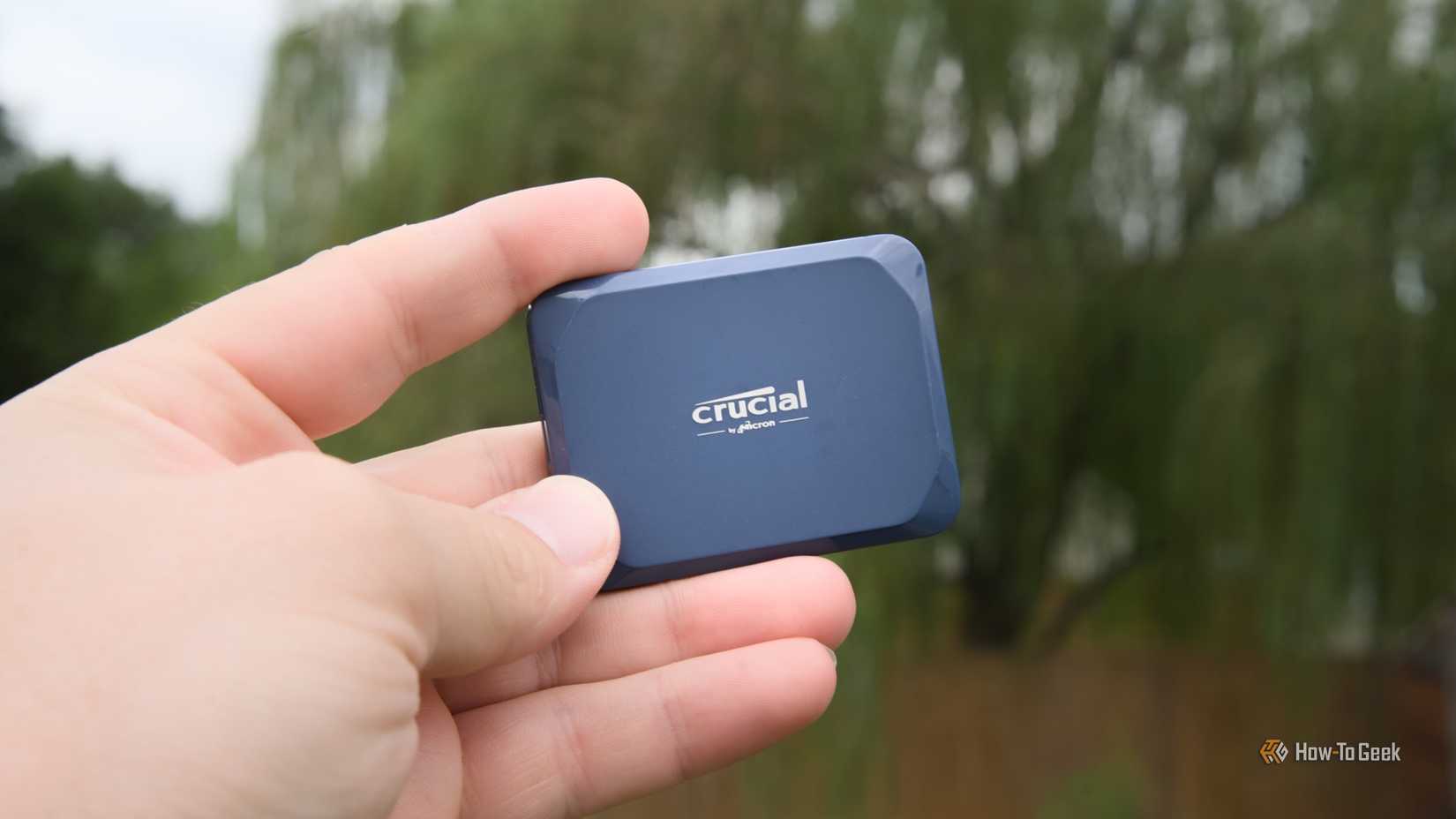
If you need more storage, an SSD is a good choice for both reliability and speed. You don’t even need to buy one of the fastest SSDs—an older SATA drive will do the trick and outperform an HDD by a mile. You can also repurpose an old NVMe SSD and turn it into a portable drive.
But is there any point in stacking external storage without any rhyme or reason?
True, portable SSDs and USB drives seem like the simplest answer. Plug in, drag files, unplug, forget. But do this for a while, and cracks will begin to show.
The first thing is that while it’s better to have any backup, a single backup is not good enough if the files are important, especially if you just use a portable SSD for it. If anything happens to your SSD, your entire backup plan goes south, and a portable SSD is remarkably easy to lose.
The other issue is that the “plug in, drag files, unplug” workflow may only be safe if your SSD is truly idle, and your PC may not always be honest about whether it’s actually finished writing. If you unplug it mid-writing, data loss is possible, and corruption is not out of the question.
It’s also important to remember that SSDs can lose data if you simply leave them unplugged for long periods of time. If you use your portable SSD as pure backup and leave it in a drawer for a couple of years, you may eventually be met with an unfortunate surprise in the form of data loss.
External SSDs (and NVMe SSDs placed in USB shrouds) can be useful for quick transfers, but if you need a real solution for automated, long-term backups, you’re much better off with a NAS.
A NAS solves problems that external SSDs can’t
It’s far from the same thing, but it’s better in most aspects
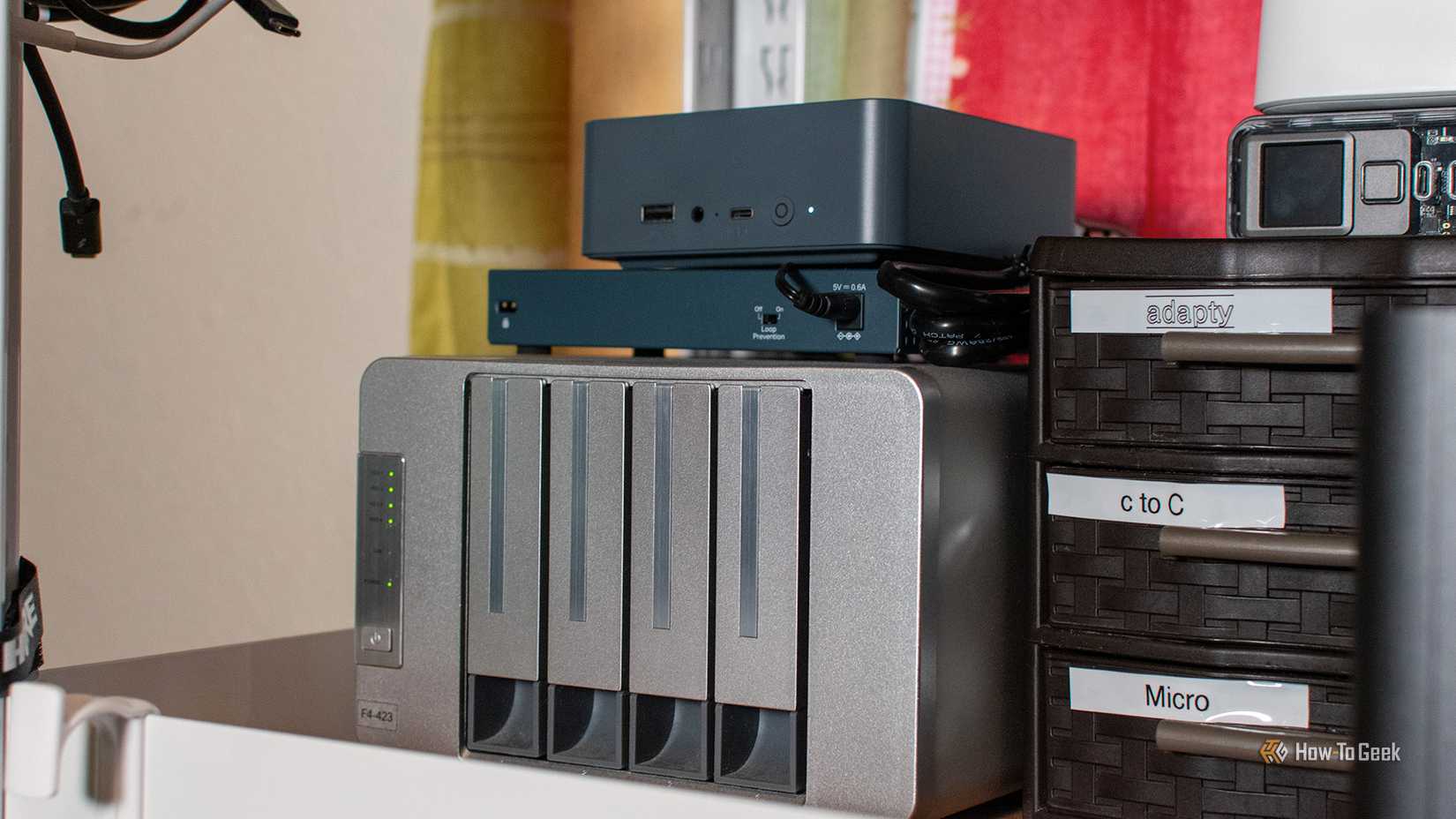
A NAS might seem intimidating, but it’s often a much better solution all around, and it’s hardly a big commitment. A budget, beginner-friendly NAS like the Ugreen NASync DH2300 costs just over $200, and it gets you infinitely more uses than a lone portable SSD.
For starters, a NAS is much more than just storage. The goal is always available storage that’s largely automated, easy to access all across your network, and reliable. Instead of a backup target that exists only when you remember that you should plug it in, you get something that’s on your network all the time, doing the work for you. Things like scheduled backups, multi-device access, and filesystem features are the bread and butter of a good NAS.
There are plenty of uses for a NAS that a portable SSD can’t even hope to fulfill. For instance, you can evolve your NAS into a home lab, with things like Plex letting you create your own libraries of movies, shows, and music that you can then stream to all the devices on your network.
Perhaps the best thing (alright, maybe not the best thing, but a personal favorite of mine) about owning a NAS is that it’s centralized storage for multiple devices. You don’t have to juggle external backups from one device to the next, and transferring files between them is ridiculously easy.
Bottom line: If you only occasionally move some files here and there and don’t need backups, you’re fine with an external SSD. But important backups and frequent file transfers are much better off on a NAS.
Building your own NAS is a lot easier than it seems
There’s more than one way to do it
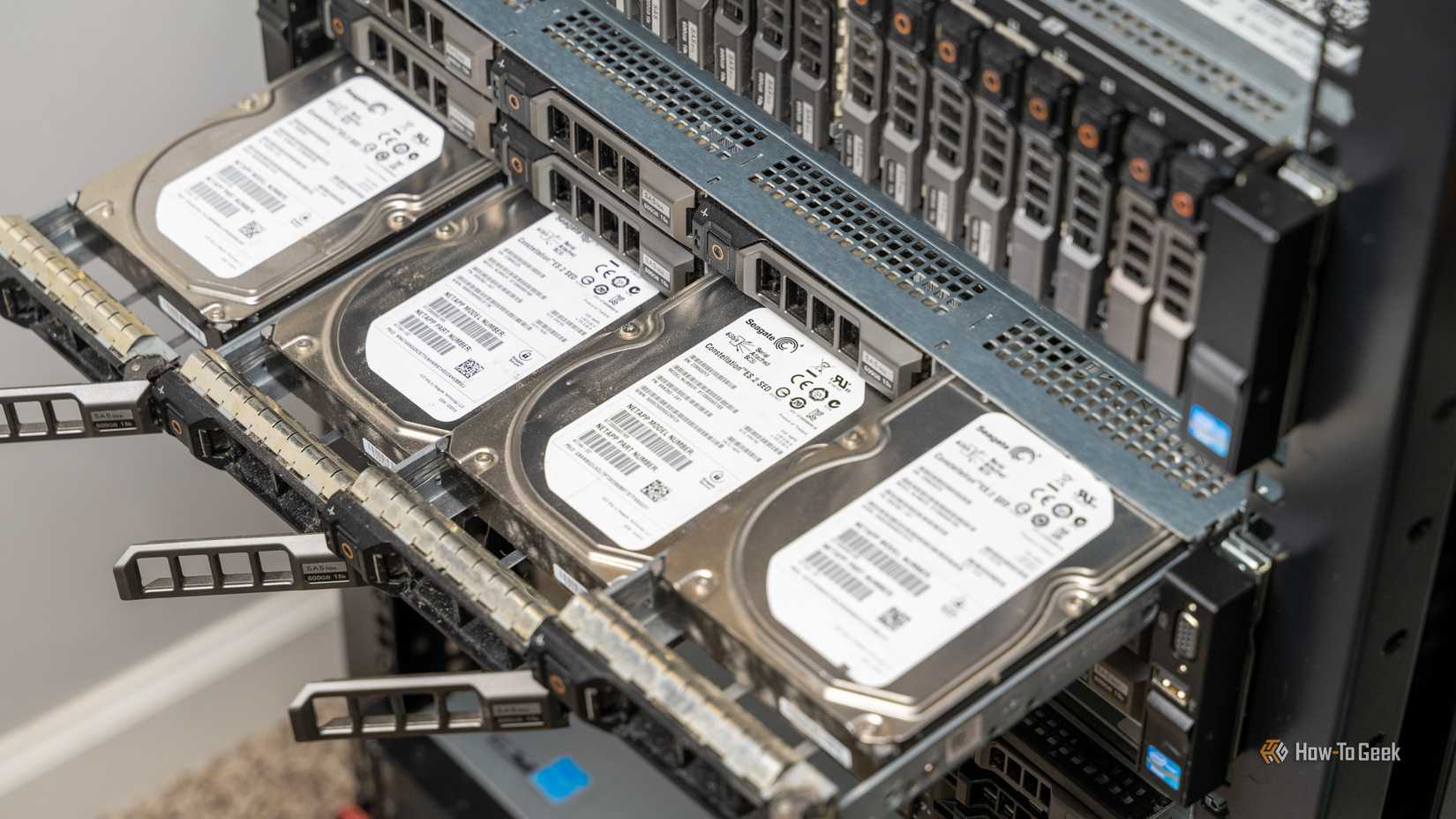
Are you sold on the idea of a NAS? Good news: getting started is way easier than it might seem. You can turn a used PC into a NAS, but you can also build your own from scratch or buy one ready-made.
The hard part really isn’t in the building; it’s in making smart choices that will work best for you and your needs. Some considerations include:
- How much storage you really need
- Whether you want SSD or HDD storage (Hint: Even if you’re using HDDs, one SSD can come in handy for cache and boot purposes)
- The exact form factor of your NAS (old office PC, small form factor PC, a ready-made NAS, etc.)
- If you’re building your own, cooling, noise, and energy efficiency are all major factors
Once your NAS is up and running, set up scheduled and automated backups across however many devices you want. For important files, you should still back them up to more than one location; your entire NAS may be doing well, but drives will wear out over time.
When should you still buy an external SSD
Far be it from me to discourage you from having more backup drives
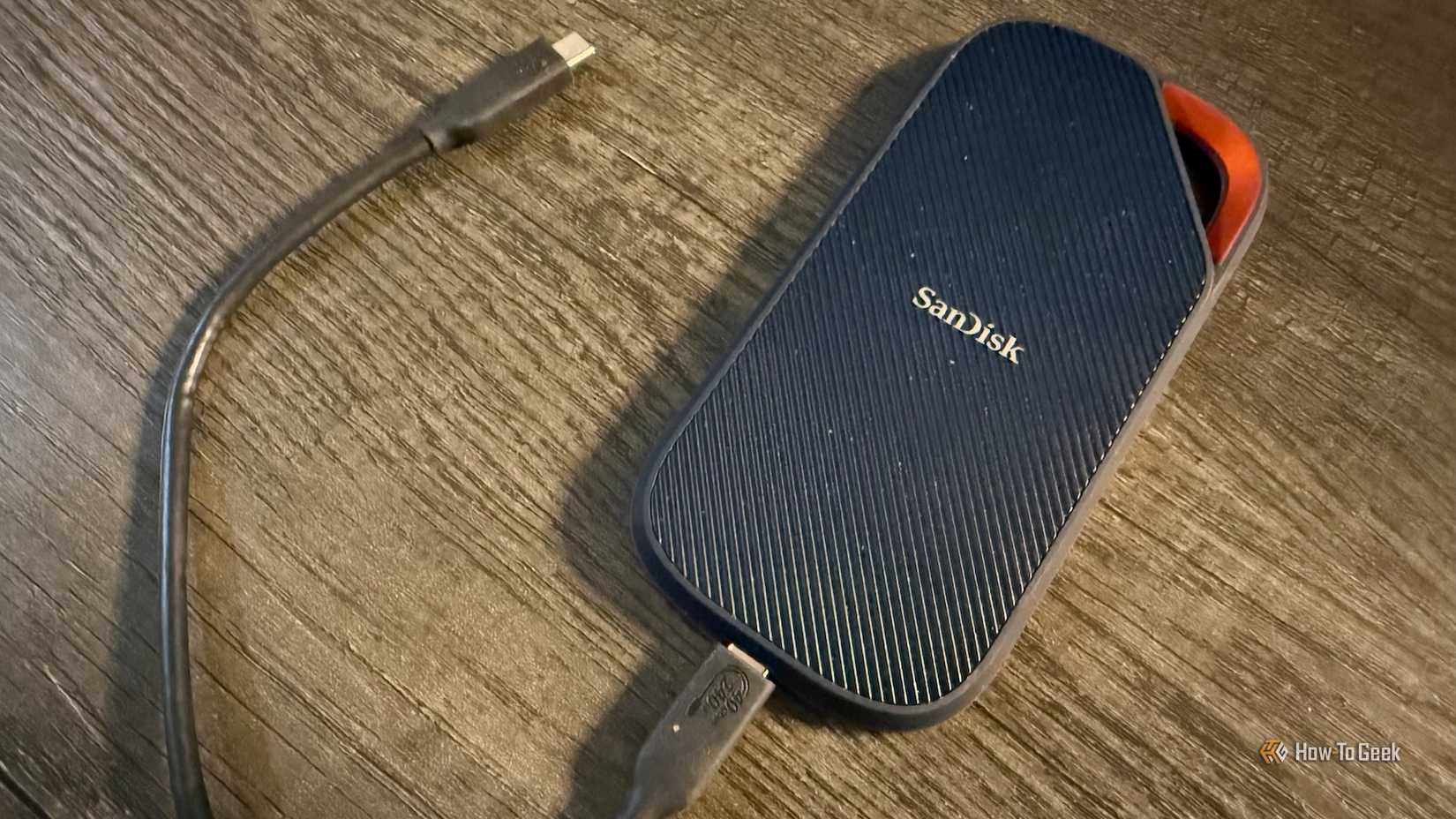
Although I’m saying that a NAS is a better choice than a portable SSD for backups (because it absolutely is), there’s still a lot of merit in having both.
External SSDs are excellent for travel and moving large files between locations that aren’t part of your network. A NAS is usually super portable, but you don’t necessarily want to lug one around; that sort of defeats its purpose.
Beyond that, not everyone needs a NAS. If you don’t deal with large amounts of data that require reliable backups, you’re fine with a small portable drive. But remember that anything that’s important should be backed up more than once, across different devices. The 3-2-1 backup rule applies here: keep three copies of your original data, on two different storage devices, and one copy off-site to protect against natural and physical disasters. These days, that often means in the cloud.
There’s hardly ever any need to own multiple external SSDs if most of your storage needs come down to backups. A NAS is a more reliable solution that gives you a lot that an external SSD can’t, from simultaneous multi-device access to scheduled backups. By all means, keep your SSD, but think about a NAS if you want something more long-term.