

Computer hardware is getting much more expensive, and I’m not just talking about the fancy stuff. Core components like RAM, storage, and power supplies are going up in price due to unprecedented market conditions. Which means even people who are just looking for a basic desktop PC, or who want to host simple services at home are facing big price tags.
This is why I want to remind everyone that dumpster diving is still a thing in the computer world. I had to do it in the late 90s and 2000s, and there’s nothing wrong with doing it today. One person’s trash is another’s treasure! Of course, I don’t literally mean getting in a dumpster, but many organizations have what they consider to be e-waste that you can get for free or very little money, while being perfectly suited to your homelab needs.
Depending on where you live in the world and local laws and regulations, it might not be legal to get some types of old computer gear (like storage devices) directly from the source, so you may be limited to refurbishment programs. Likewise, some devices might be considered hazardous waste due to the substances used in their construction. The laws of where you live always take precedence, and it’s your responsibility to ensure you comply.
Small form factor office PCs everyone throws away
The increased popularity of self-hosting has given mini PCs a new lease on life, and thanks to large companies buying tons of these little computers there’s generally a steady supply of units that have reached full depreciation. The Lenovo mini PC I use as my Plex server is exactly the same type they use at my local vet, and I’ve seen them at supermarket and in office buildings too.
You can pick up these mini PCs from refurbishers for a very reasonable price, but you can also take a chance and go directly to the source, or talk to a local e-waste company to see if it’s possible to take a few off their hands.
Even the older mini PCs you might find have decent CPU performance for homelab use, and even better you can rack-mount them with commercial or custom 3D-printed brackets. Some mini PCs and many thin clients are even fanless. These mini PCs are often upgradable with better storage and memory, and are easy to open up and maintain. In some cases, you might even have the option to add a small form factor GPU for jobs like accelerated video decoding.
Enterprise hard drives that outlive consumer models
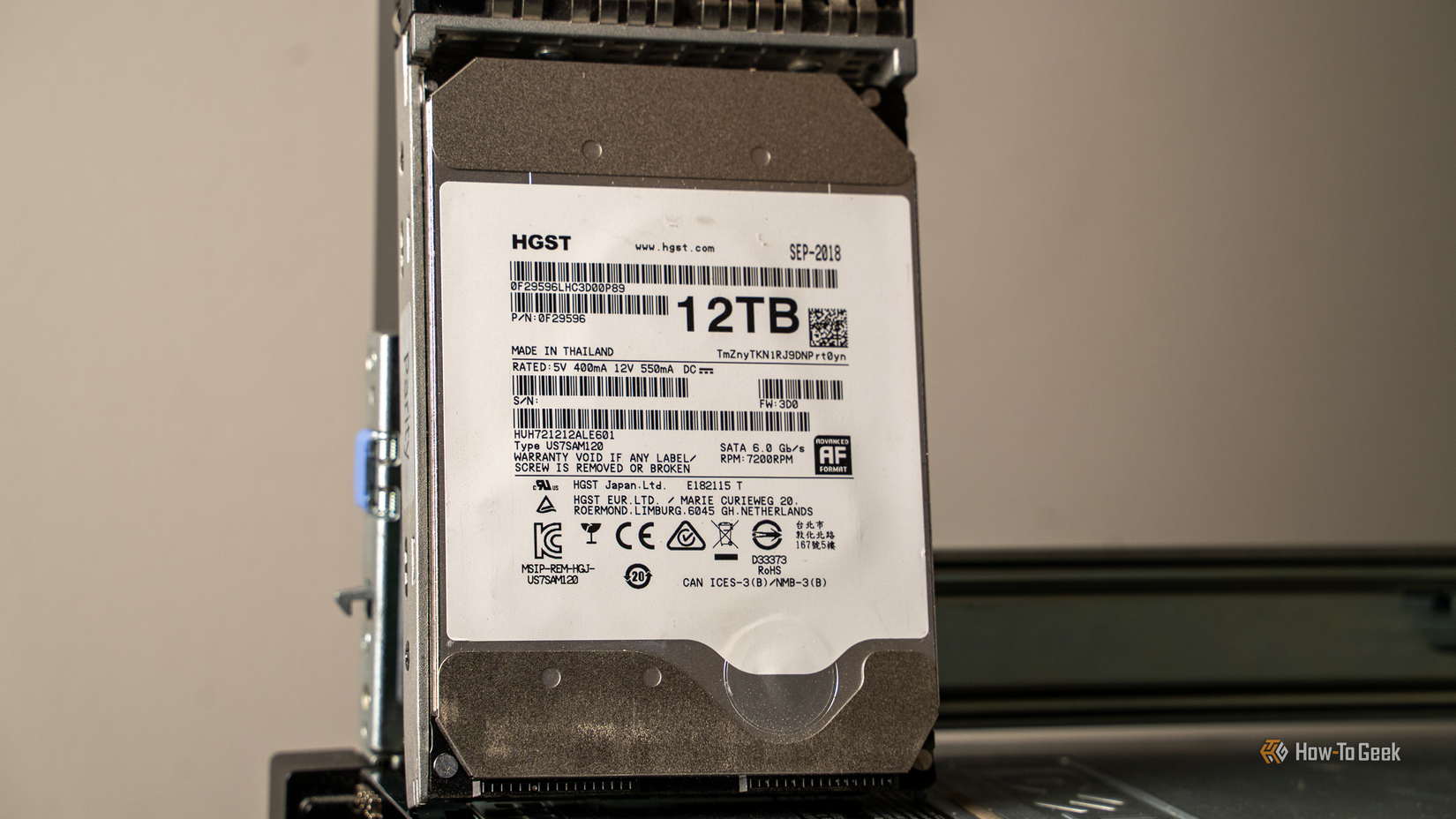
It might seem like a bad idea to try and score old hard drives that come from a data center or an old IT basement, but these drives are retired routinely. Many organizations don’t wait until the drives are actually failing to replace them. Enterprise-grade drives are designed to last as long as possible and to fail gracefully when the time comes, so there’s probably quite a bit of life left in these drives for the low-stress workloads of a homelab.
Of course, you can check the SMART status of the drives and avoid using any that have clear signs of failure, but there’s gold in these hills if you take the time to look and the prices of recertified drives have climbed significantly. In a homelab, many workloads are experimental and non‑critical, so you might be comfortable using older or recertified drives there—while saving your best, most reliable drives for production data you really care about.
Old network gear that’s still perfectly usable
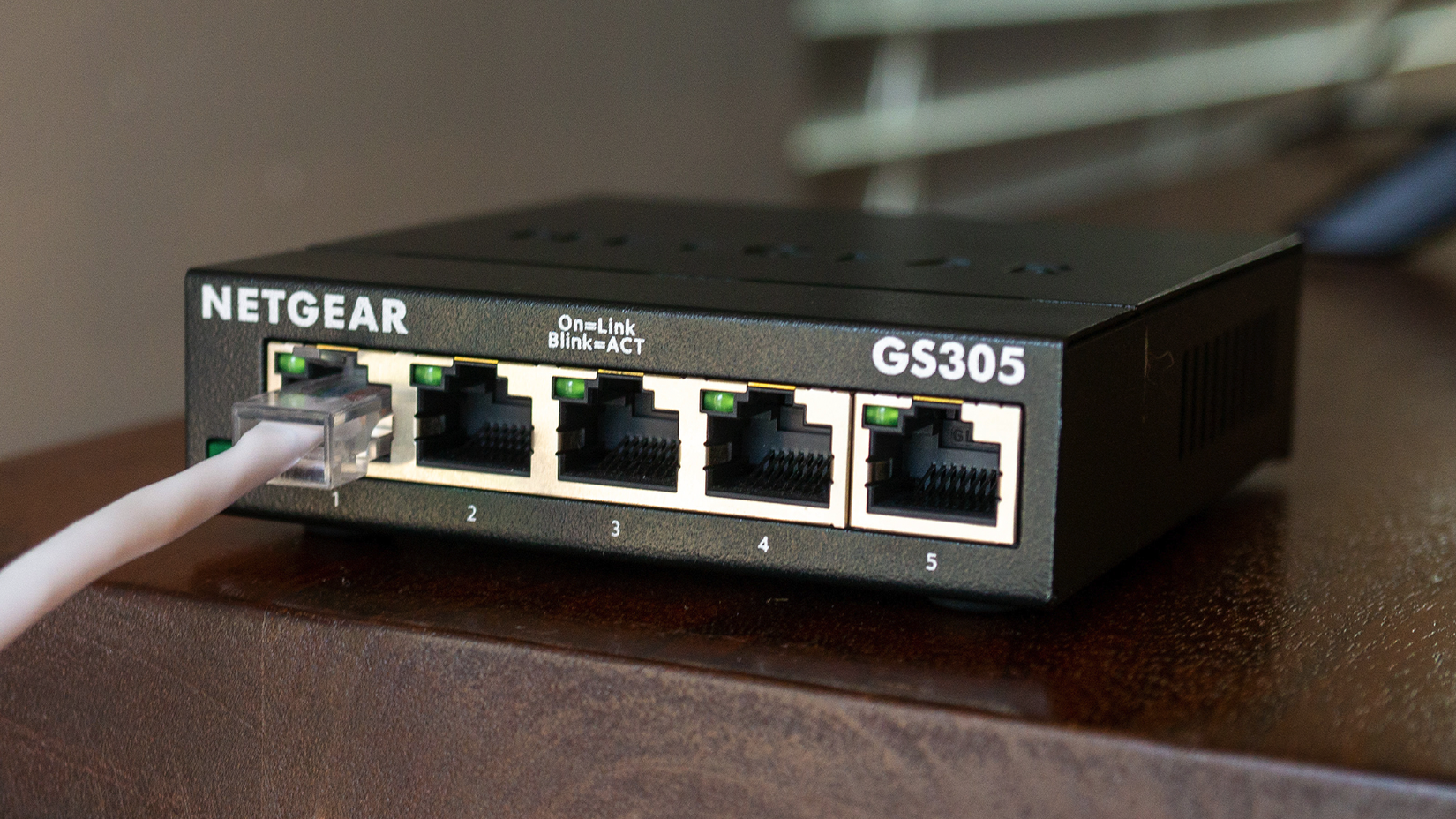
Networks and broadband is getting faster, which means even gigabit-class network gear becoming obsolete in an enterprise context. These days it’s all about 2.5Gbps or even 10Gbps thanks to all the local traffic needs of big business. You might even consider going beyond gigabit speeds in your home network, but for most homelab projects having some spare gigabit switches, routers, extenders, and Power-over-Ethernet toys is just fine. I bet you could even find legitimate uses for 100Mbps network goodies for some projects.
Monitors, keyboards, and cables nobody wants
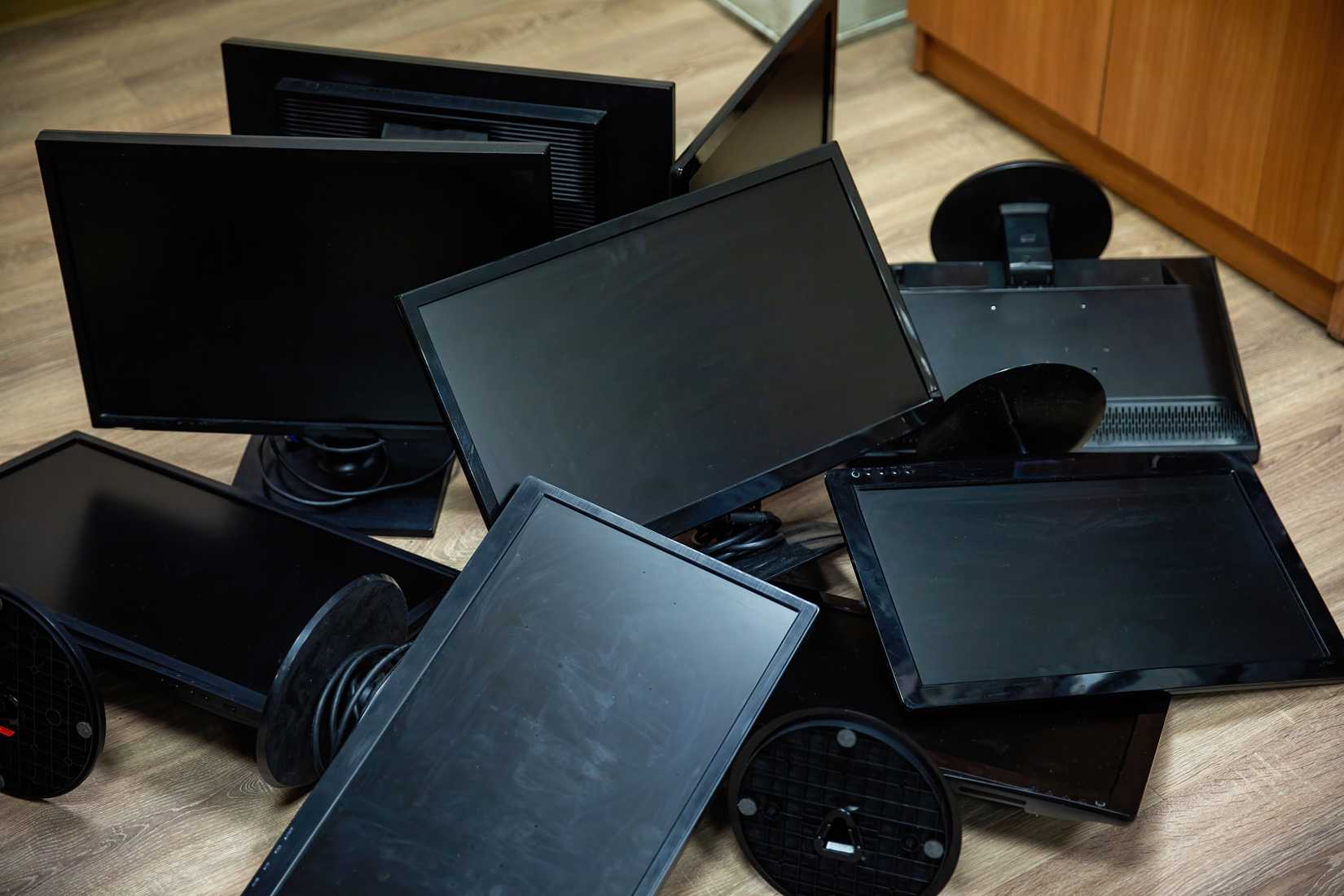
You don’t need the best monitors, mice, or keyboards to occasionally troubleshoot a headless server. Old LCD monitors are perfect for this. Don’t underestimate how often you’ll need an old USB mouse or keyboard to get things working again. Personally, I never say no thanks to cables of any kind. It’s why I still have a bunch of VGA and DVI cables and converters.
Power and cooling gear worth rescuing
UPS systems are a good find, even if the batteries are worn out. Many older UPS systems use standard sealed lead‑acid batteries that are still relatively easy to find and replace yourself, as long as the electronics are in good shape, and you handle and dispose of the batteries safely. Server fans can sometimes be run at lower voltages or with fan controllers, so you can use them without the screaming jet engine effect, though not all models will behave nicely when undervolted.
Perhaps the best finds are anything related to mounting and storing gear. Server racks, rails, brackets, and other bits and bobs are worth their weight in gold if you’ve seen what that stuff costs new.
Running a homelab is meant to be a fun and affordable hobby, and scrounging stuff that other people think is worthless makes it even more enjoyable. My favorite find back in the day was an old enterprise tower PC case with hot-swappable drive bays. Which gave me the fastest “external” hard drives you could get before fast USB was a thing.